
Installation for theft: how scammers spread dangerous apps among Russians
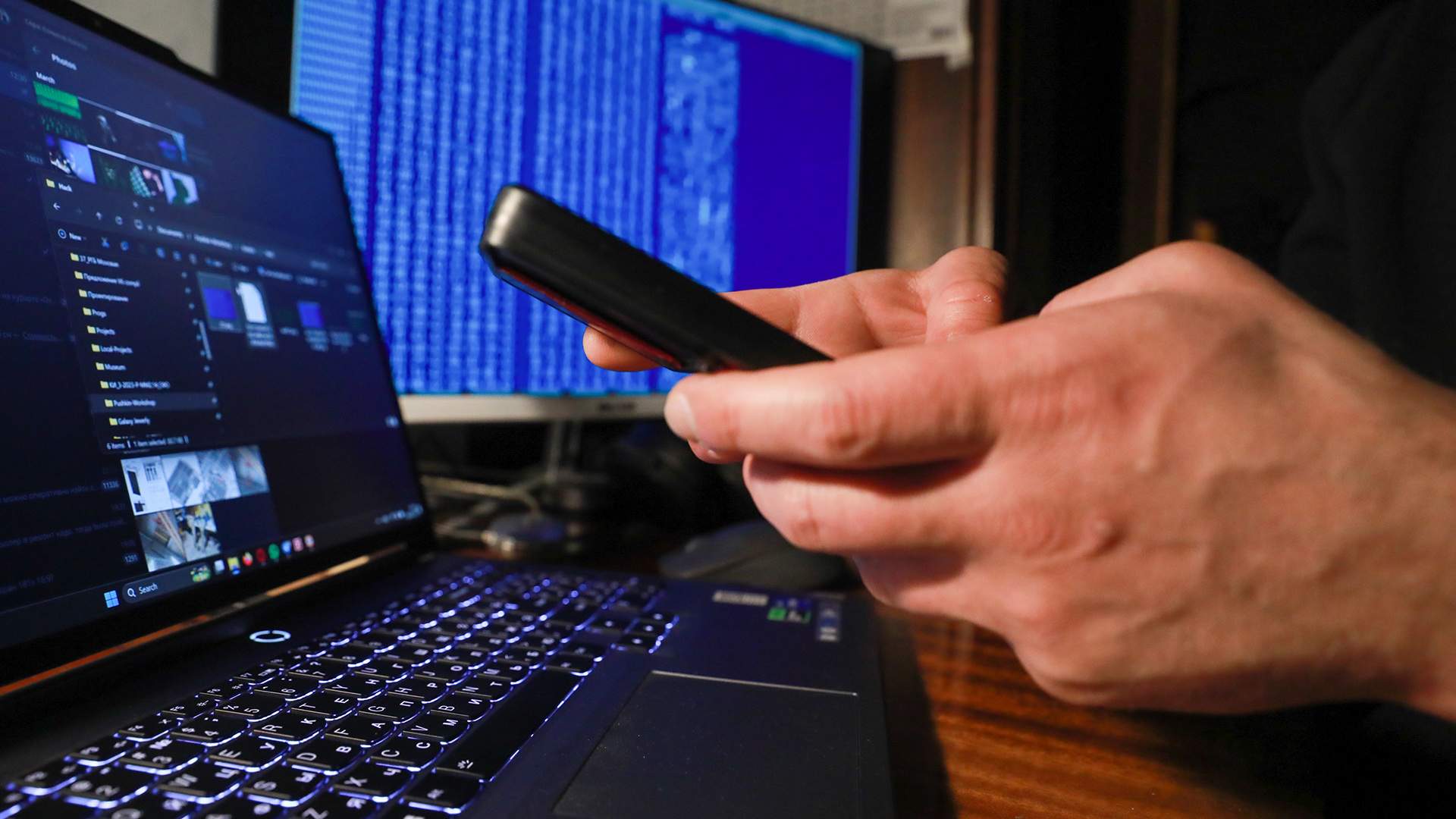
Scammers began to deceive Russians, convincing them to install malicious applications on their phones. To do this, criminals can pose as bank employees, representatives of operators or government agencies. Izvestia found out the dangers of such schemes and how to protect themselves from them.
Schemes with fake applications
Scammers began to deceive users of Android devices, convincing them to install malware on their own. This was reported in the press service of the Department for the Organization of the Fight against the Illegal use of information and Communication Technologies of the Ministry of Internal Affairs of the Russian Federation.

According to the department, such criminals usually pose as employees of telecom operators, banks or government agencies. For example, they can contact the victim on behalf of the mobile operator, and then, under the pretext of connecting to 5G, extending the contract or improving communication, they urgently offer to change the settings of the banking application by installing some kind of "proprietary" software.

In another scheme, fraudsters offer a person to "update" a banking application. They can call or write to him on behalf of the bank, offering to download an allegedly new version of the application — for example, Sber.apk or CB.apk — in order to "check cashback", "receive bonuses" or "protect the account from suspicious transactions."
Criminals can also be called representatives of government agencies. "In this case, they ask to install an "official" application (Gosuslugi.apk, EMIAS.apk, MOES.apk) or a "service" file for recording. At the same time, they use the authority of a state organization and the fear of not fulfilling an important requirement," the Interior Ministry said.

In the fourth version of the trick, hackers pose as friends or acquaintances of a person, sending a message with words like "look at the photo" or "here's an important document." The Interior Ministry urged not to trust unknown sources, not to open or install third-party APK files that can steal data and money.
What scheme options exist?
Irina Dmitrieva, an analytical engineer at Gazinformservice, explains to Izvestia that the scheme for installing virus applications has been practiced for a long time, but the scenarios are constantly changing. Now scammers take advantage of the fact that users spend a lot of time on messengers, communicate and perform a lot of thoughtless actions, including clicks and downloads of attachments.
— Half of the trouble is downloading, the other half is launching completely unnecessary applications. Many users believe information from government agencies, at the same time, the case of blocking banking applications in the AppStore and Google Play stores plays into the hands of fraudsters — this allows them to distribute bank files in private messages to gullible users," Dmitrieva notes.
According to her, to this day, the most successful social engineering schemes are the consequences of sanctions restrictions on the use of Internet resources. Attackers may insist on "reinstalling" the bank's application due to an "outdated encryption certificate." An "updated" client for installation in the format .apk is distributed via SMS or messenger links.

— Classic and almost everyday scenarios are demands for payment of non—existent debts or initiation of criminal proceedings due to involvement in criminal activities. Here, again, a person is offered to download an application or visit a phishing site, otherwise they threaten to detain or arrest," says a cybersecurity expert.

She notes that the number of victims of fraudulent schemes in Russia is growing every year. According to the Interior Ministry, last year the figure increased by 36% — the total amount of damage amounted to 200 billion rubles. In total, in 2024, the Ministry of Internal Affairs registered 765 thousand crimes, of which 486 thousand were online fraud. In total, almost half a million Russians have suffered at the hands of cybercriminals.
Why is it dangerous to download questionable software?
Installing third—party applications, in particular from messengers from the "open" Internet, bypassing software stores is a direct risk of losing money, identity theft, loss of control over the device and compromise of all data. In particular, Alexandra Shmigirilova, GR director of the Security Code Information Security company, explains to Izvestia that such applications can:
- block the owner of the smartphone and transfer control to the fraudster, while the scammer can use all access to banking applications.;
- encrypt all the data and demand a ransom to unlock the phone;
- download all the information, including passwords and documents, and forward it to the scammers for future use.;
- use the smartphone owner's contact list and send them requests for financial assistance on behalf of the victim.

In addition, Irina Dmitrieva, an analyst engineer at Gazinformservice, adds that criminals can gain full access to the gadget and abuse all functions, including wiretapping and viewing through the device's cameras. This can lead to the most serious and unpleasant consequences — theft of money (and sometimes even making loans in the name of a person) and blackmail.

How to distinguish fake apps
In order to protect yourself from fake and infected applications, experts recommend downloading them only from reliable sources, and not installing them using the sent link. It is important to remember that real employees of banks or government agencies will never send such links — they will focus on user safety and convince them to download software only on the official website, notes Alexandra Shmigirilova.
— Scammers will avoid this channel in every possible way and offer to install the application either by following the link they sent, or from some unofficial source. A special signal about fraud is a call via messengers. Remember that current employees contact only in an official way, that is, either through a call (a special bank number will be displayed) or through an application," the Security Code expert emphasizes.

In turn, Irina Dmitrieva advises paying attention to the "behavior" of the downloaded program. Pop-up notifications may alert you when you first log in: The software should not request device administrator rights or permission to install unknown applications. After logging in, it is better to carefully examine the interface to see if there is a mismatch of logos, "crooked" buttons, or links to suspicious sites. With all these signs, it is better to delete the application immediately.
— To verify the information received from the company, you can contact the official number or write to technical support to clarify the fact of sending notifications about the installation of a new version of the software, — adds the cyber expert.
How to protect yourself from scammers
To protect yourself from cybercriminals, it is important to follow a range of measures. But the main thing is to maintain critical thinking, says Sargis Shmavonian, the leading manager for work with educational organizations at Cyberprotect. In addition, it is important:
- Never download APK files from questionable sources. The official ones can be installed from the RuStore app Store, Google Play Market, Samsung Galaxy Store, Huawei AppGallery, Xiaomi Mi GetApps, OPPO App Market, VIVO App Store, Honor App Market and F-Droid. If you install applications from the official website, it is important to first verify the authenticity of the resource.
- Don't tell anyone the codes from the SMS. No legitimate employee of a commercial or government organization will request them.
- To reset alarm calls. It is better to call back yourself using the official number of the bank / operator / organization that you found yourself on the websites of these organizations.
- Do not believe frightening messages and overly profitable offers. Scammers put pressure on emotions to turn off a person's critical thinking. It's better to take a break and consult with your family and friends.
- Use basic protection: domestic antivirus solutions, two-factor authentication, complex passwords. Do not store confidential data in chats.
— A smartphone is no longer just a gadget, it's your digital passport, wallet, and personal life! Therefore, it is important not to let scammers convince themselves to voluntarily install malware, trust only official channels and be careful," the expert urges.
Переведено сервисом «Яндекс Переводчик»
